The GSX (Global Service Exchange) integration connects Weevio Cloud to Apple's service systems for Apple Authorized Service Providers (AASPs). Once connected, your team can authenticate with Apple, reserve appointments, automate customer email workflows, and reconcile repairs across locations.
What you can do
- Authenticate Weevio Cloud with Apple GSX using your Sold-To account and SSL certificate
- Configure GSX Ship-To and Technician IDs per location
- Push appointment status updates (check-in, cancellation) back to GSX
- Send branded confirmation emails to customers using the GSX Notifier email templates
- Publish a calendar subscription feed of GSX appointments for each location
In this section
Connect Weevio Cloud to Apple GSX with your Sold-To account, activation token, SSL certificate, and per-location Tech IDs.
Customize the GSX Notifier email templates, set the reply-to address and banner branding, and subscribe to per-location appointment calendars.
How appointment status flows between the Appointment Scheduler and Apple's GSX reservation system.
Diagnose certificate expirations, authentication failures, and appointment sync issues.
Related documentation
- Appointment Scheduler — GSX Integration — booking flow, appointment types, and how customers book GSX appointments online
- Certificate & Key Management — renewing your GSX SSL certificate and private key
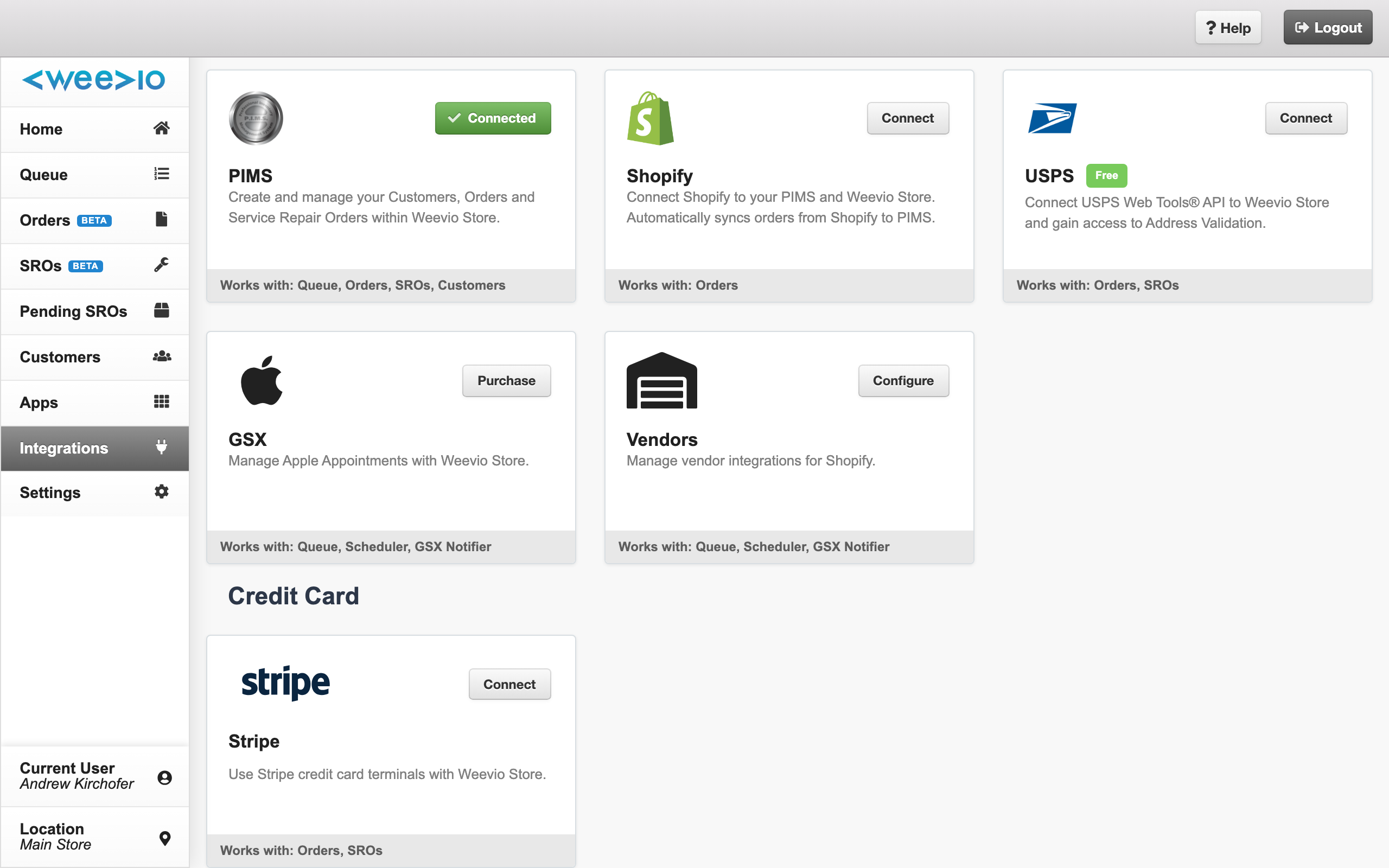
- Managing Integrations — overview of the in-app Integrations hub
Need Help?
For assistance, please send a message to our Support page.